Directly into a folder
Archiving a document without going through the archive inbox.
You can file documents directly in every archive and every folder. This is useful when you know the document yourself and already know which folder you want to archive it in, for example a signed contract. For documents that are to be reviewed before they are archived, there is the archive inbox. You see the Archive here button in every folder in which you may archive.
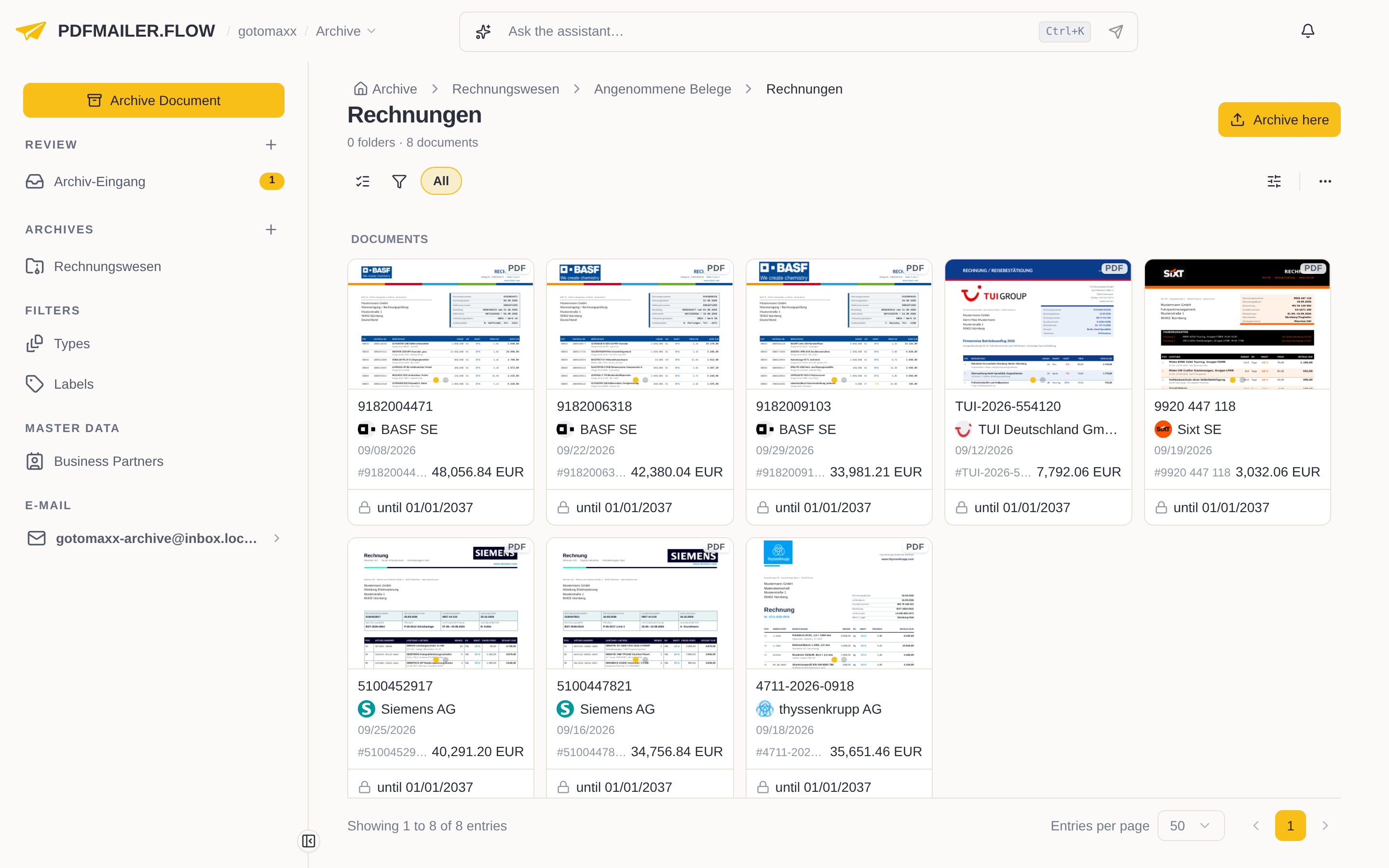
Archive a document directly
Archive a single document directly when you already know the folder and document type.
- In the sidebar under Archives, open the archive and then the folder you want to archive the document in.
- At the top right, click Archive here and select the files.
- The Straight to archive page opens. The folder is already filled in. Check the Display name and choose the Document type; it determines how long the document is retained, see Retention periods.
- If needed, assign Labels or choose the business partner under Partner.
- Click Archive document.
The document is now archived in this folder and can no longer be changed.
Archive several files directly
If you select several files with Archive here, you decide, as in the archive inbox, whether they are archived together in one document or each file as a document of its own.
- Open the folder and click Archive here.
- Select all the files.
- If the files belong together, such as a contract with its annexes, switch on Archive all files as one document. Otherwise, click each file in turn on the left and check its name and document type on the right.
- Click Archive document or Archive documents.
The files are now archived in this folder, depending on your choice together in one document or each file as a document of its own.